3 minutes
Flite Test Tiny Trainer Kits
Introduction
We needed to start doing something in our club instead of slightly messing around. Niels and I had agreed on a plane—the Flite Test Mini Mighty Trainer—to build as groups in the club. But there was a slight issue: we only had raw foam-board and not the actual cut-out kits. I had an MPCNC (mostly printed CNC) at my house and looked into how I could cut out kits from the raw foam-board.
Note: I will make a detailed and replicable tutorial in the future.
What I Did
Cutting Tool of Choice
I figured that the best way was to use a needle-cutter attachment to cut out the foam-board. In short, a needle-cutter is needle, powered by a brushless motor, that oscillates rapidly. At first, I tried using a Dremel mounted on the MPCNC and found that it worked decently well except for that the drill dulled quickly and produced a lot of dust. The needle-cutter solved these issues.
Preparing Files
Now that I had figured out what hardware I was going to be using, I had to prepare the files. Flite Test—an amazing organization—has plans for all of its models including the one I was going to cut out. I found the file on their website and it was in the PDF format. I’m not quite sure what size of foam-board it was meant for, but it was clearly larger than the 20” by 30” sheets of foam-board which I was using. Also, the plans had to be converted from PDF to G-code so that the MPCNC could interpret it.
I had access to Adobe Illustrator, a vector graphic editing tool, which was a substantial help for processing the files. I optimized the files for a total of 3 plane kits, four sheets of foam-board would be sacrificed for this project. Also, I was not going to but out the sport wings for now. The files were exported in a DXF format so that they could be imported into the slicing software.
I used Estlcam as the slicing software as it was free and had a simple user interface. I imported the DXF files and generated the tool paths and exported the result as a G-code file. It was now ready to be used with the MPCNC.
Repetier-Host was used as a controller software to instruct the MPCNC on how to cut out the foamboard using G-code files as instructions.
Cutting out the foam-board
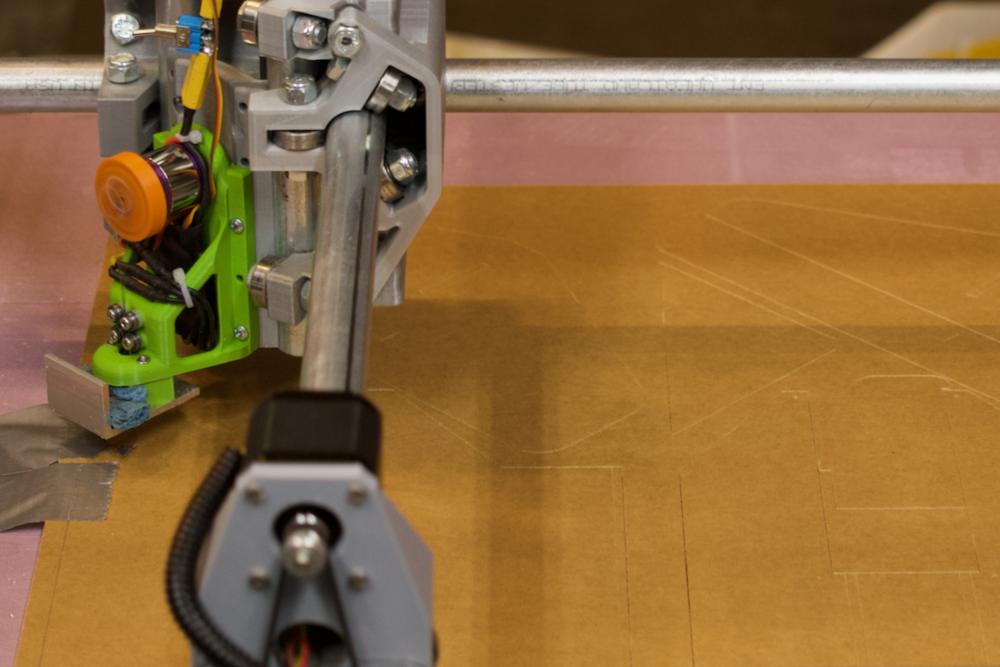
MPCNC needle cutter in action
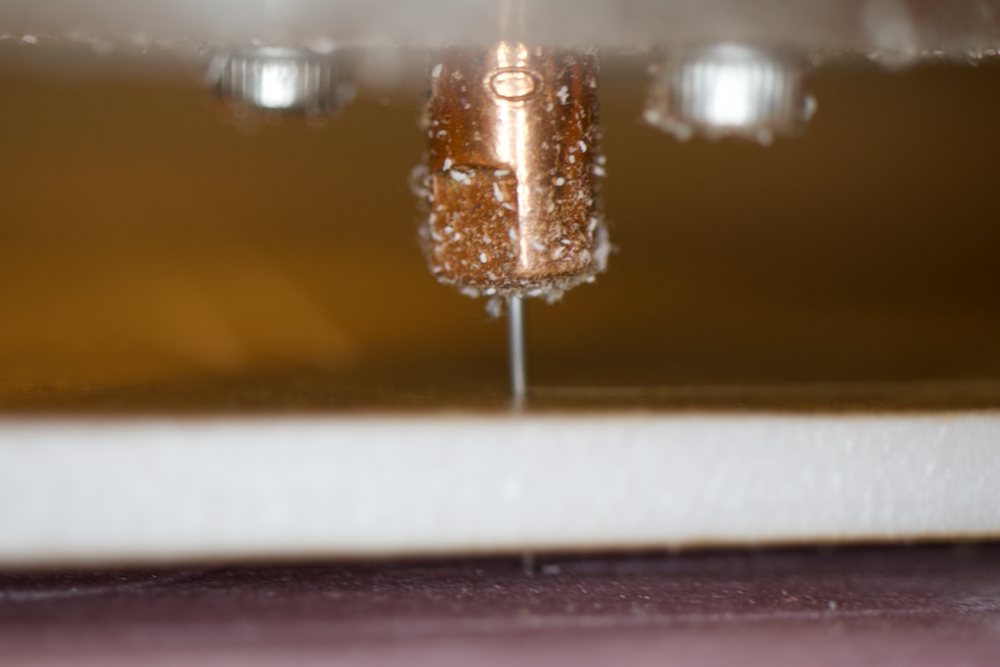
Close up of MPCNC needle cutter
I turned on the MPCNC and in about 3 hours, I had everything cut out and ready for the next club meeting.
Files
Files are located in the plans directory of the GitHub.
Resources
- Flite Test: The organization that designed this plane along with its plans
- MPCNC: An inexpensive CNC platform
- Needle Cutter: MPCNC needle cutter attachment
- Adobe Illustrator: Vector editing Software
- Inkscape: A free alternative to Adobe Illustrator
- Estlcam: Slicing software
- Repetier-Host: Controller software
492 Words
2020-01-01 00:00 +0000